Create a sports tournament in 5 steps
In five steps you organize a complete tournament: from general details to categories, fields, teams and publishing. Mijntoernooi.info automatically creates the tournament schedule, groups and standings.
Start freeGeneral details
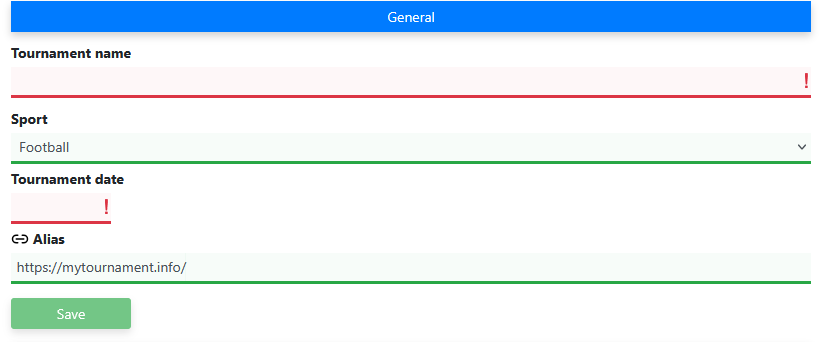
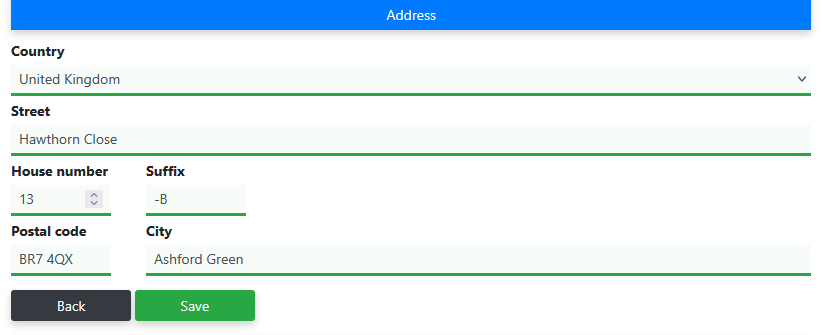
Give your tournament a name, choose the date and set the sport. These are the basic details needed to create a tournament.
Categories
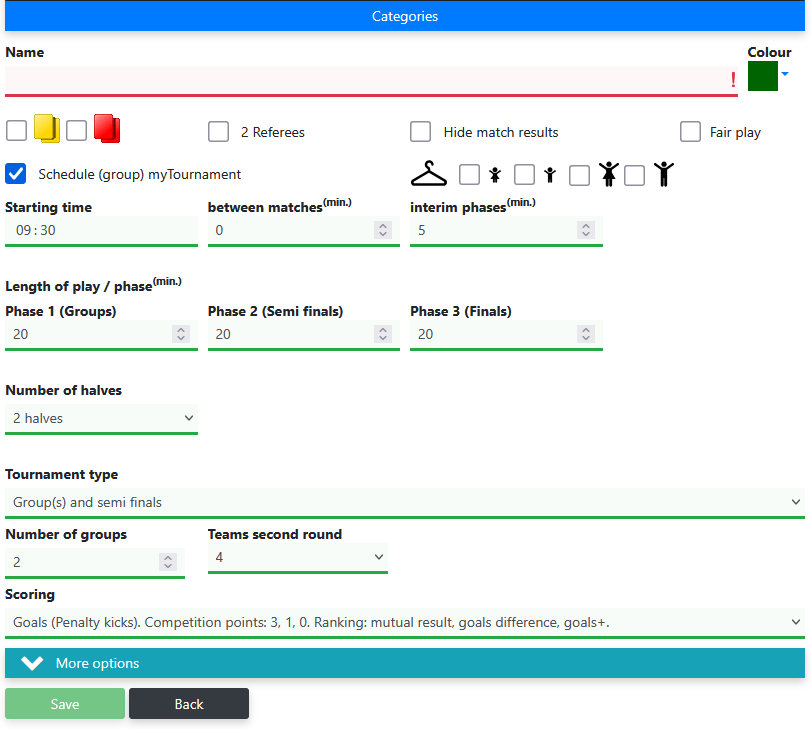
Create one or more categories. Per category you set the match duration, scoring, tournament format and the number of groups. A separate match schedule is generated for each category.
Fields
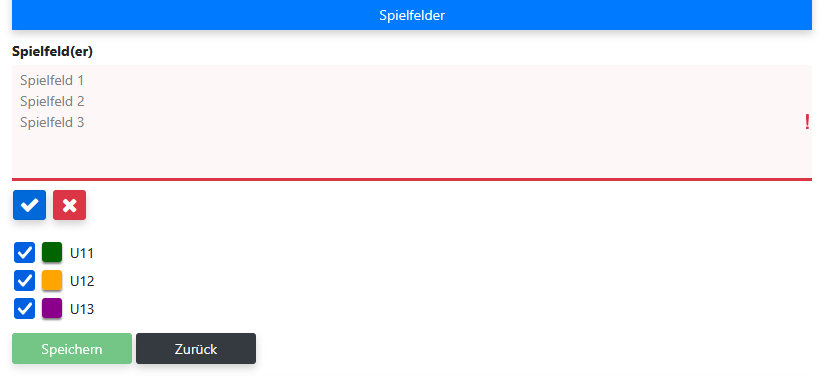
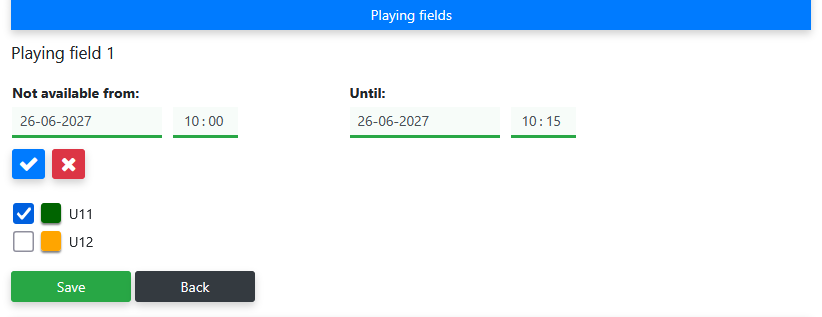
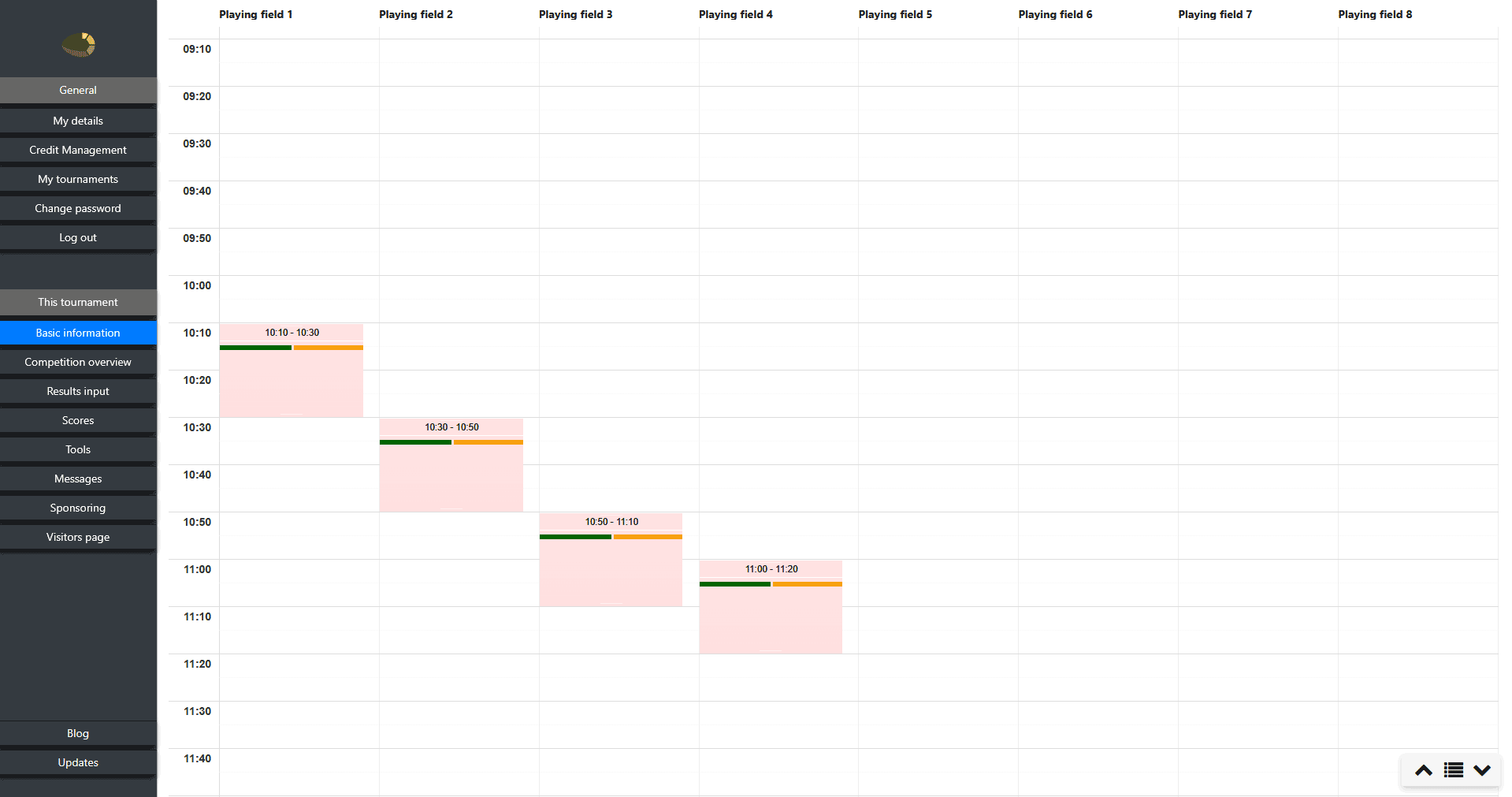
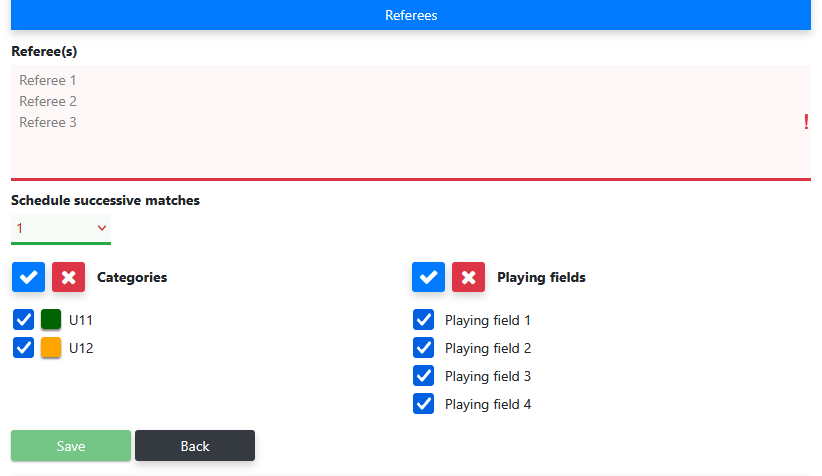
Add the fields on which the matches will be played. You can add multiple fields. Select per field which categories are allowed to play on it.
Teams
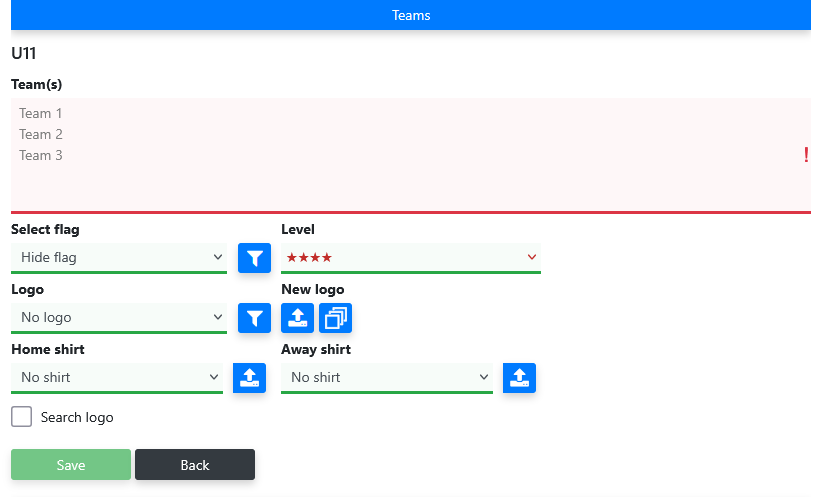
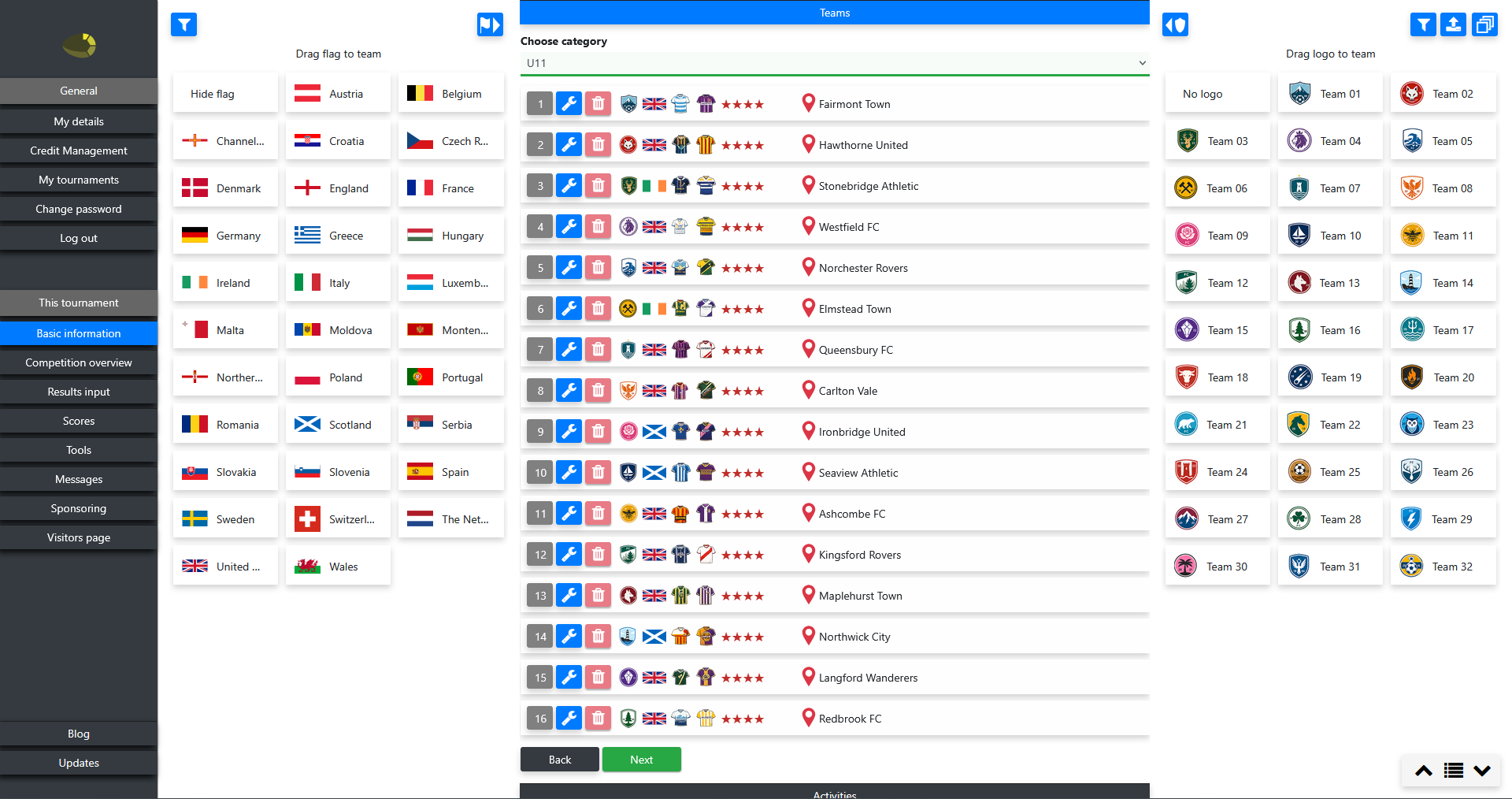
Add the participating teams per category. You can enter teams one by one or paste a complete list of team names. You can choose to let the application automatically search for logos for the entered teams. The system automatically distributes the teams across the groups when generating the tournament.
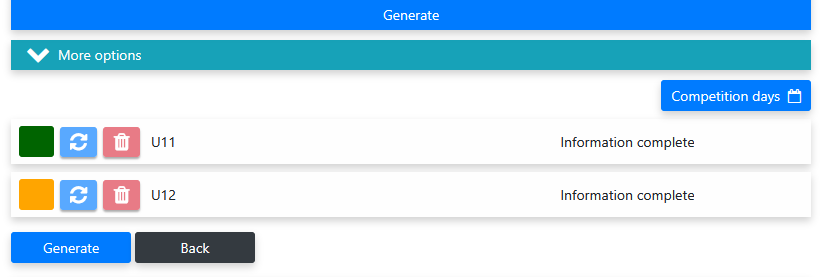
Generate the tournament
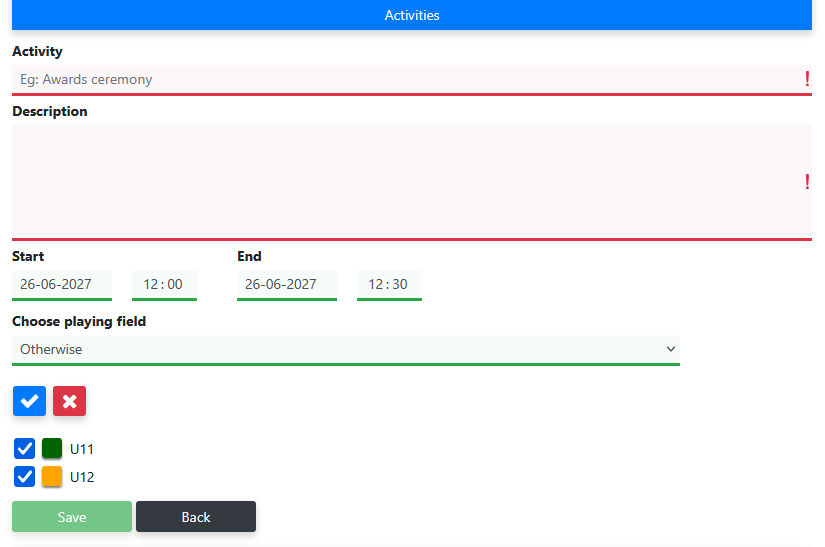
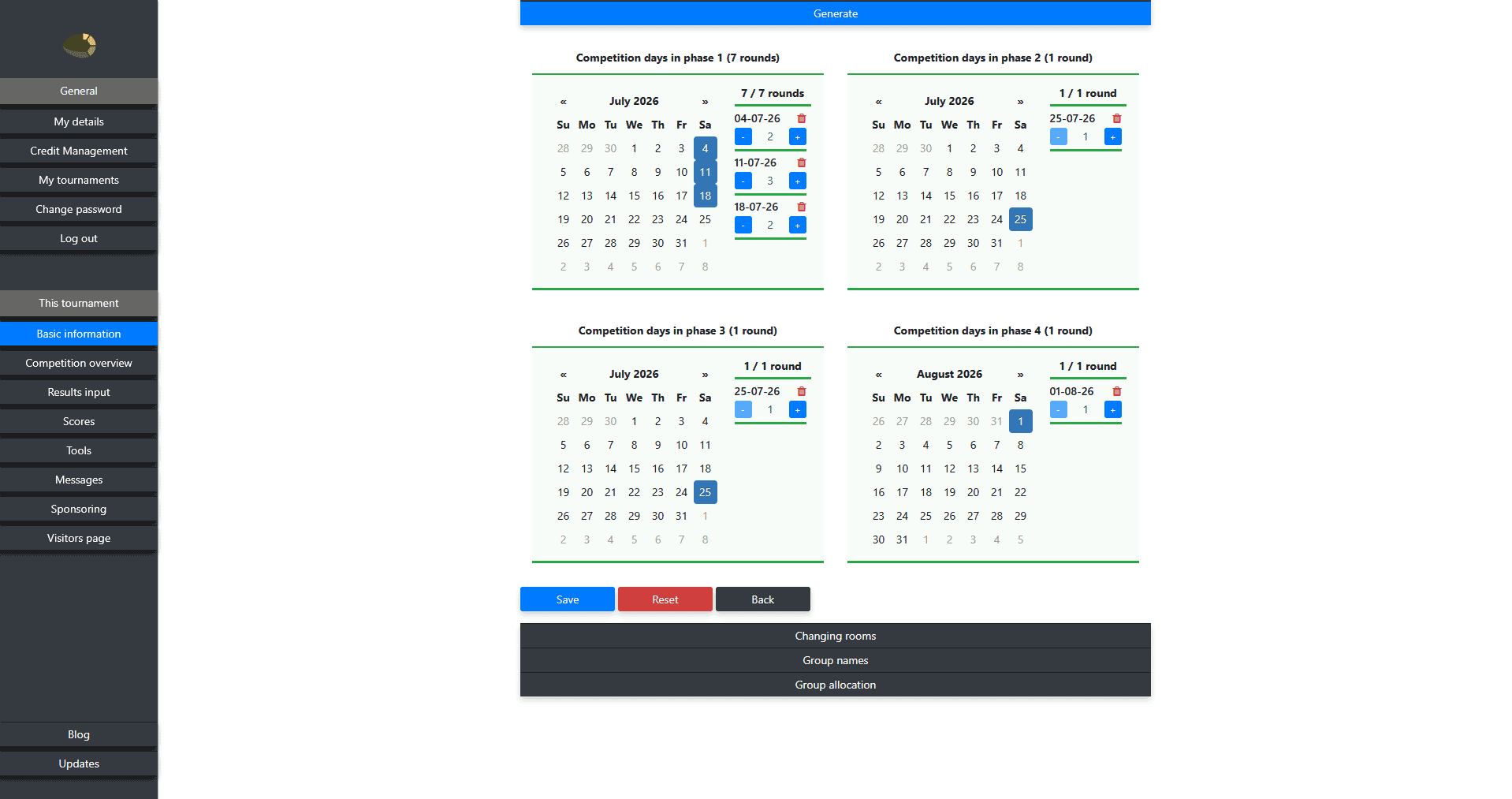
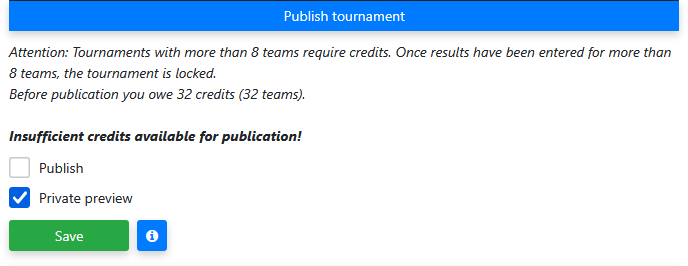
After completing all required steps, you generate the tournament. Mijntoernooi.info automatically creates the match schedule, groups, standings, phases and finals. After generating you can further supplement the tournament with additional components. Publish the tournament when you are ready — only then is the visitor page visible to participants and supporters.
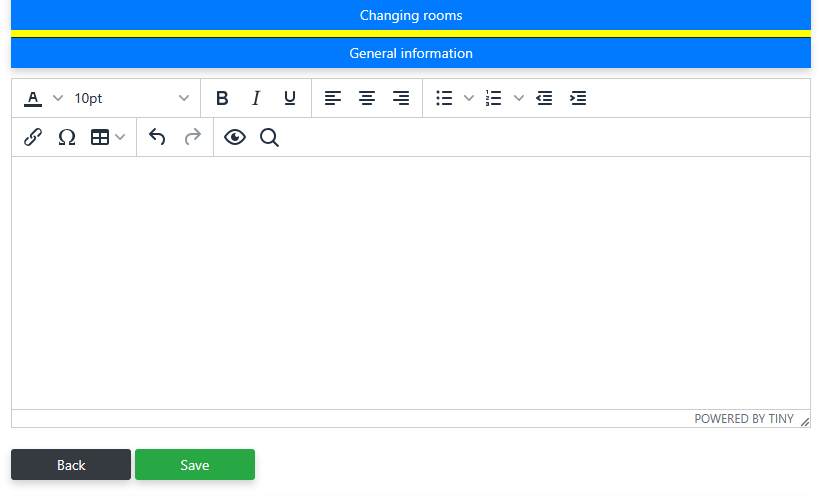
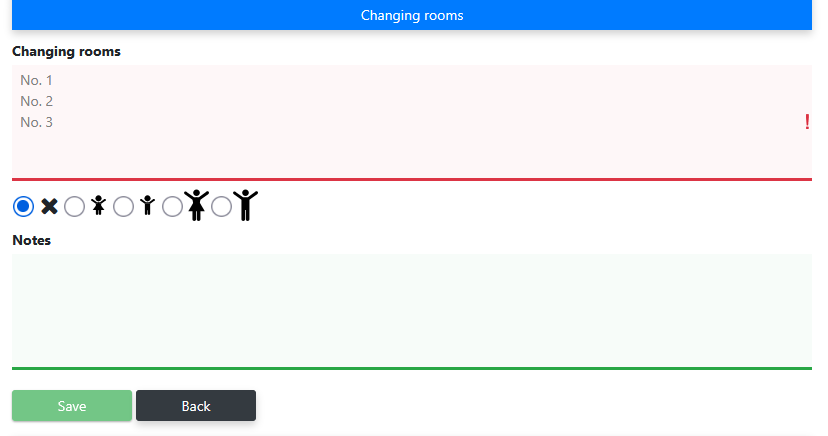
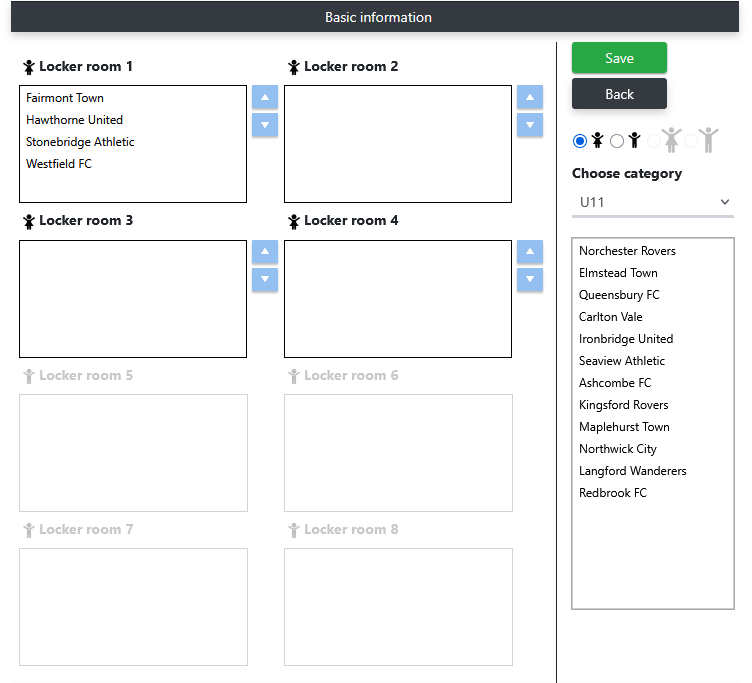
Manage changing rooms and publish the allocation on the visitor page. Participants immediately see which changing room is assigned to their team.
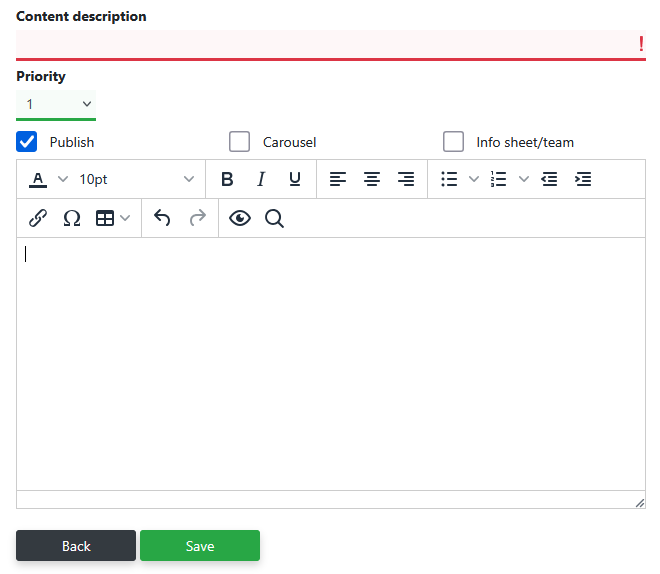
General text
Changing room definition
Changing room allocation
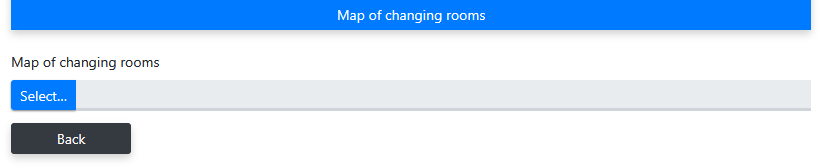
Floor plan

Frequently asked questions about creating a sports tournament
Ready to create your tournament?
Create a free tournament with up to 8 teams and discover straight away how Mijntoernooi.info works.